
“What are we eating this week?” is the question I like the least. Planning meals used to mean scrolling recipes for an hour and still ending up with pasta on Wednesday.
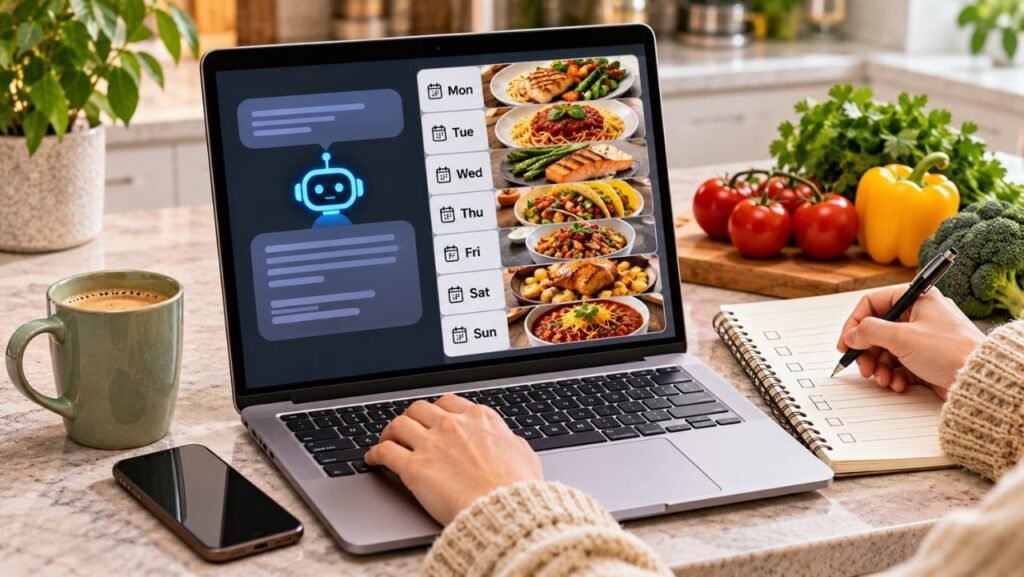
Now I let AI do the boring part. With a few good prompts, you can get a full week of dinners and a shopping list in about five minutes. Here’s exactly how.
What You Need
Any AI chat assistant works, like ChatGPT, Claude or Gemini. You also need two minutes to check what’s already in your fridge, freezer and pantry.
Step 1: Tell AI Who You’re Cooking For
The more context you give, the better the plan. Copy this prompt and fill in the brackets:
I need a 5-day dinner plan for [number] people. We like [foods you love] and don’t eat [foods to avoid]. I have an air fryer and a multicooker. Each dinner should take no more than [30] minutes of active work. Keep it simple, I don’t love cooking.
Step 2: Use What You Already Have
This is the step that saves money and stops food from going to waste. Add a list of what’s in your kitchen:
Please use these ingredients first: [list what’s in your fridge, freezer and pantry]. Try to reuse ingredients across meals so I buy less.
Step 3: Ask for a Smart Shopping List
Once you like the plan, ask AI to turn it into a list you can actually use in the store:
Now make a shopping list for this plan, grouped by store section (produce, dairy, meat, pantry). Leave out anything I already have.
Step 4: Get a Prep-Ahead Plan (Optional)
If you want weeknights to be even easier, ask for a short prep session:
What can I prep on Sunday in 30 minutes to make these dinners faster during the week?
Step 5: Adjust Until It Fits Your Life
Don’t like one of the meals? Just say so. AI is happy to swap things around as many times as you want. Some follow-up prompts I find useful:
- Swap Thursday’s dinner for something that works in the air fryer.
- Make Monday’s meal a no-cook dinner.
- Turn one of these meals into lunch leftovers for the next day.
- Make this plan cheaper without changing the flavors too much.
A Few Honest Tips
- AI can make mistakes with cooking times and temperatures, so use common sense and follow your appliance’s manual.
- Always double-check for allergies. AI doesn’t know your family the way you do.
- Save the prompts that work well for you, so next week takes even less time.
Prefer Pen and Paper?
Some people plan better when they can see the whole week on paper, stuck to the fridge. Let AI come up with the ideas, then write the final plan down where everyone in the house can see it.
Some links below are affiliate links. As an Amazon Associate I earn from qualifying purchases.
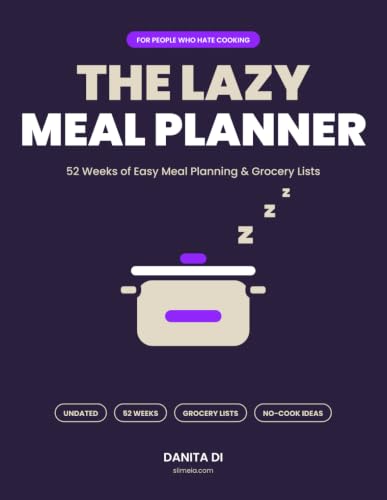
I made The Lazy Meal Planner for exactly this: 52 undated weekly spreads, a “lazy level” for each dinner (cook, leftovers, no-cook or takeout) and a grocery list sorted by store section. Pair it with the AI prompts above and planning takes ten minutes a week.
Why This Works So Well
Meal planning isn’t hard, it’s just tedious. AI is great at the tedious part: combining ingredients, organizing lists and coming up with ideas when your brain says “I don’t know, pasta again?”
Try it this week and see how much calmer your weeknights feel. Pin this guide so you have the prompts ready next Sunday.
Get the Lazy Kitchen Rescue Kit
3 cheat sheets for your fridge: quick fixes for kitchen fails, air fryer times and temps, and emergency ingredient swaps. Free, straight to your inbox.

[…] for three easy dinners plus a grocery list. It takes about five minutes. Our step-by-step guide to AI meal planning in 5 minutes shows exactly what to […]
[…] Save your best prompts in a note called “Holiday Prompts”. Next year you’ll just change the number of guests and get a complete plan in two minutes. Want more ideas like this? Here’s how to plan a whole week of dinners with AI in 5 minutes. […]